Understanding and Modifying Keypup’s Metric Documentation

Gain insights on understanding and modifying Keypup's metric documentation. Learn how to access and modify metrics' documentation, ensuring a comprehensive understanding of purpose, calculation, and improvement areas. Empower your team to make data-driven decisions and drive continuous improvement in software engineering practices with Keypup.

Celine Nabais
Celine Nabais LinkedIn
3 min read
Understanding and Modifying Keypup’s Metric Documentation

​In the realm of software engineering metrics, it's not uncommon for individuals who didn't create a particular metric to struggle with understanding how it has been calculated, why it matters, and how to improve it. This lack of clarity can hinder effective decision-making and impede progress within an organization. That's why documenting metrics is key to ensuring that everyone involved has a comprehensive understanding of the metric's purpose, calculation, and potential areas for improvement.

In this article, we’ll show you how to access and modify your metrics’ documentation.

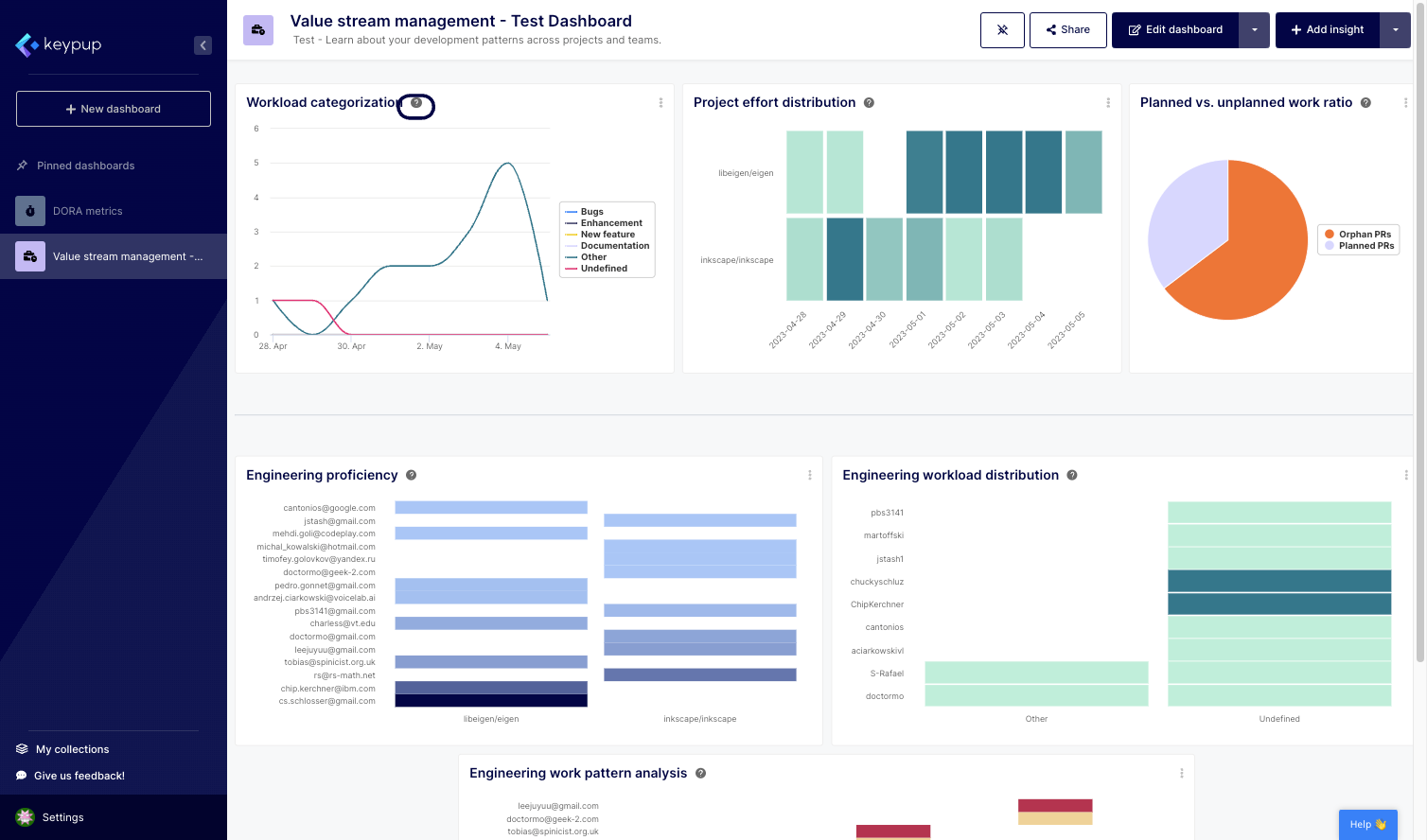
1. To access any metric's documentation, click on the question mark (?) button located next to the insight title.
Image

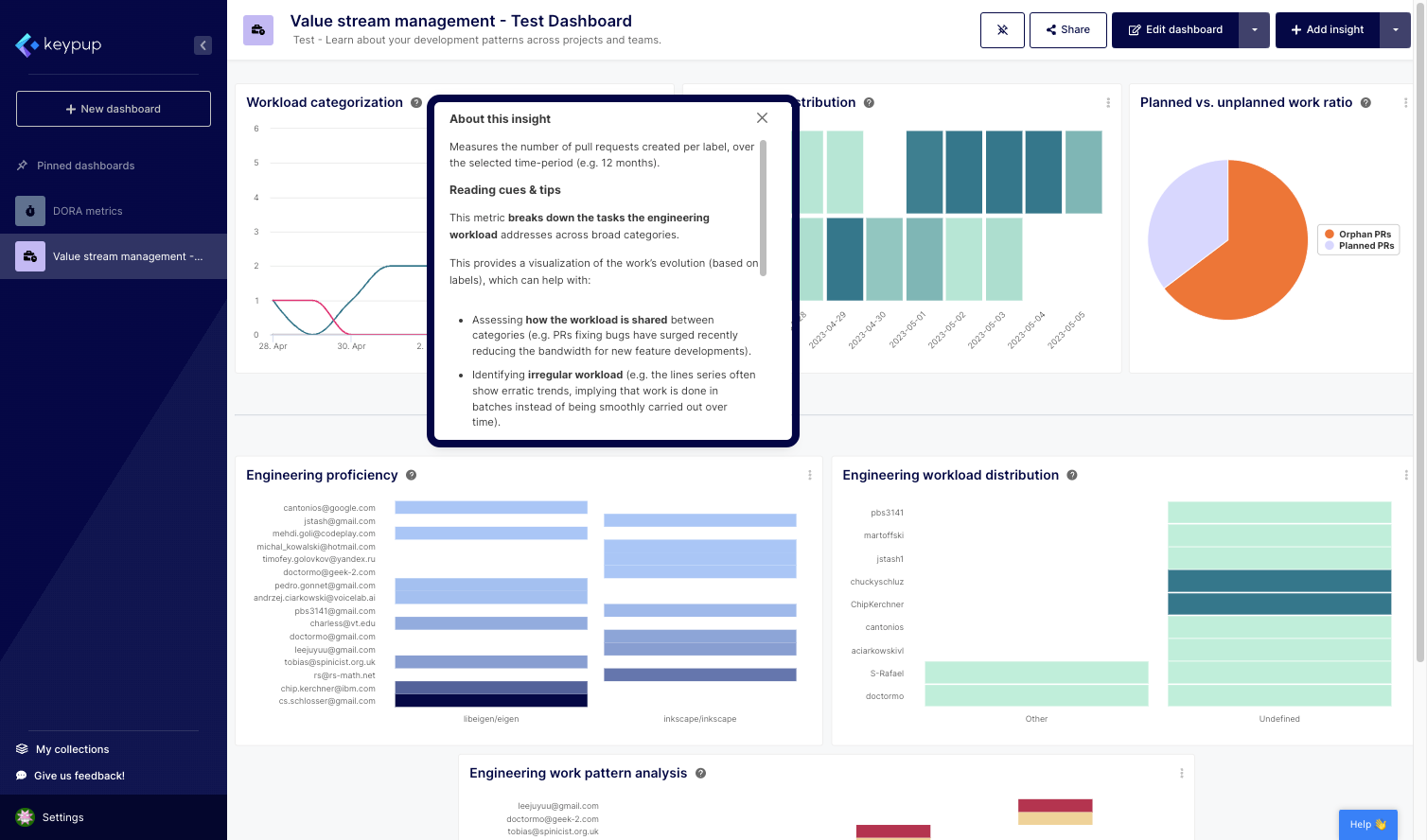
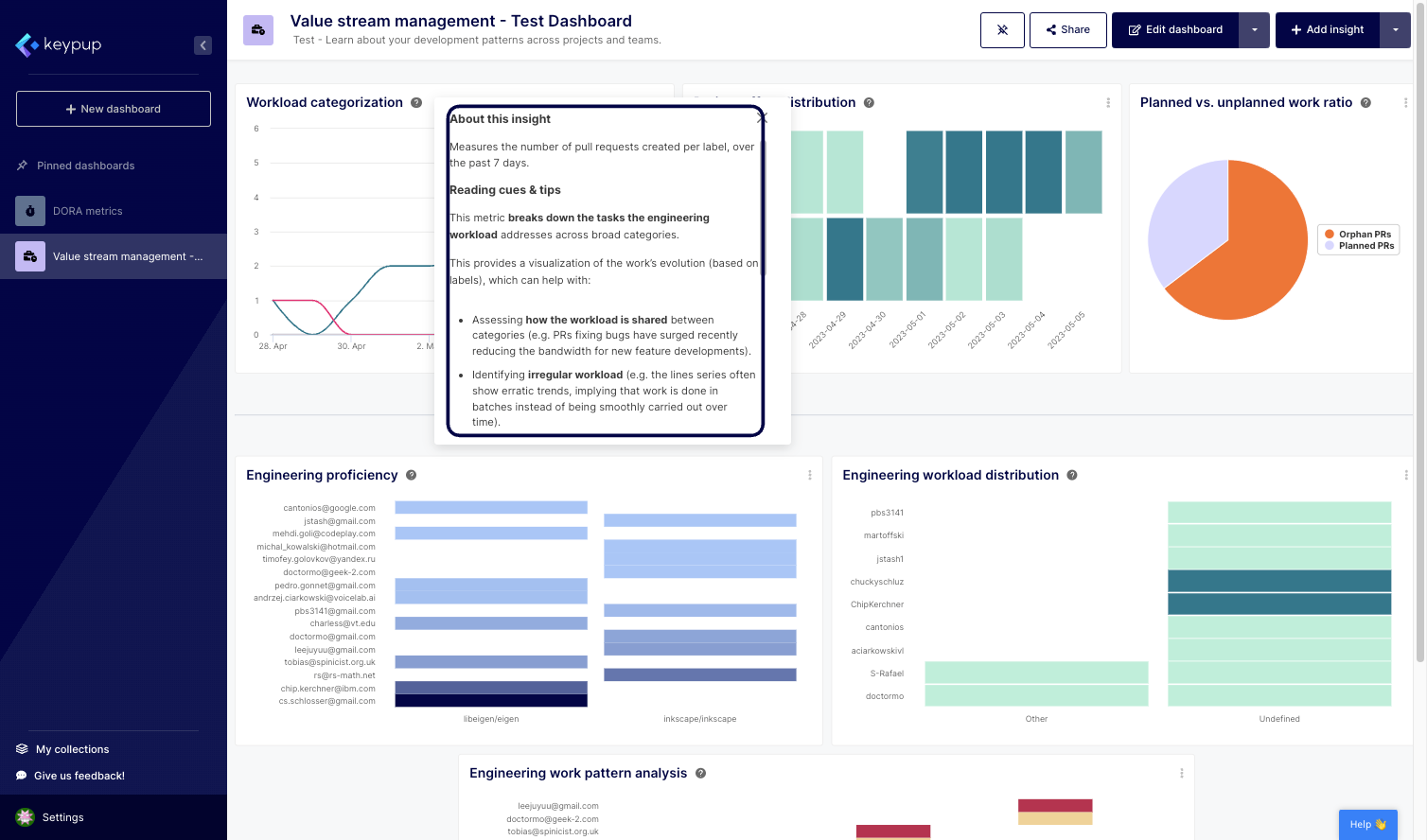
2. This will open a tooltip that contains all the information about the insight. Keypup's metric templates come with default documentation that provides information about the insight and how it’s calculated, as well as tips to improve the metric.
Image

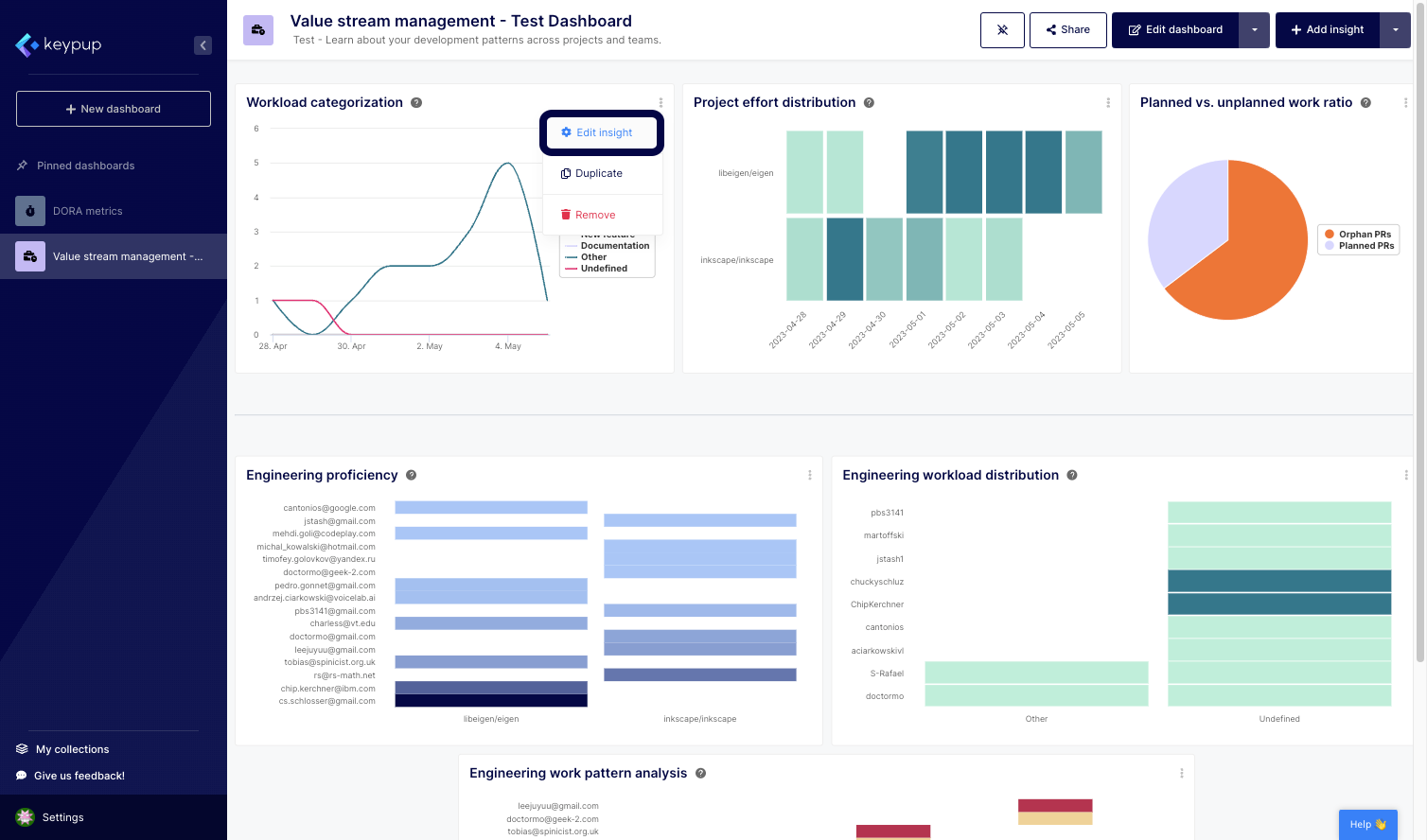
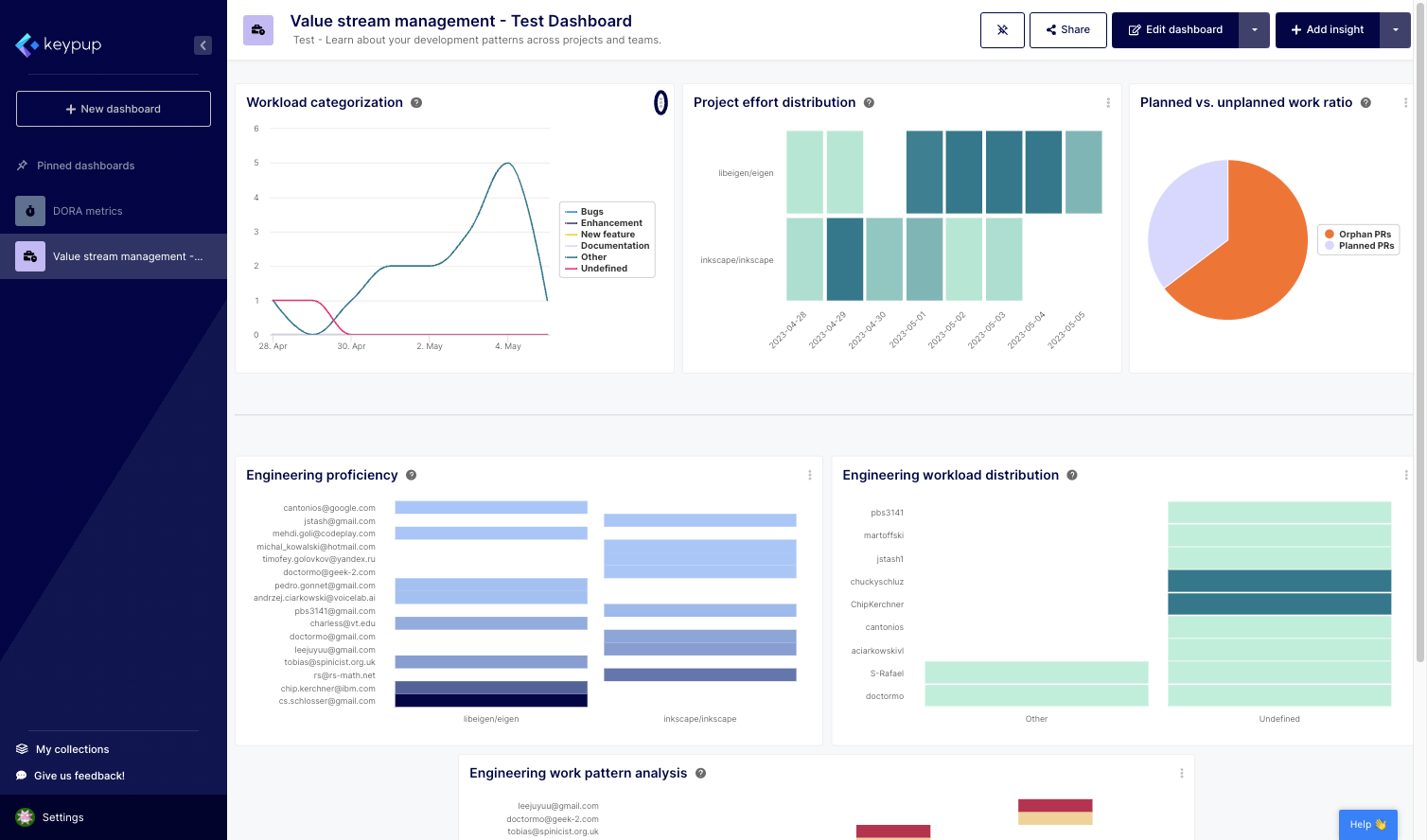
3. To modify the metric's documentation, click on the edit (...) button located at the top right of the insight.
Image

4. Then, select "Edit insight."

Image

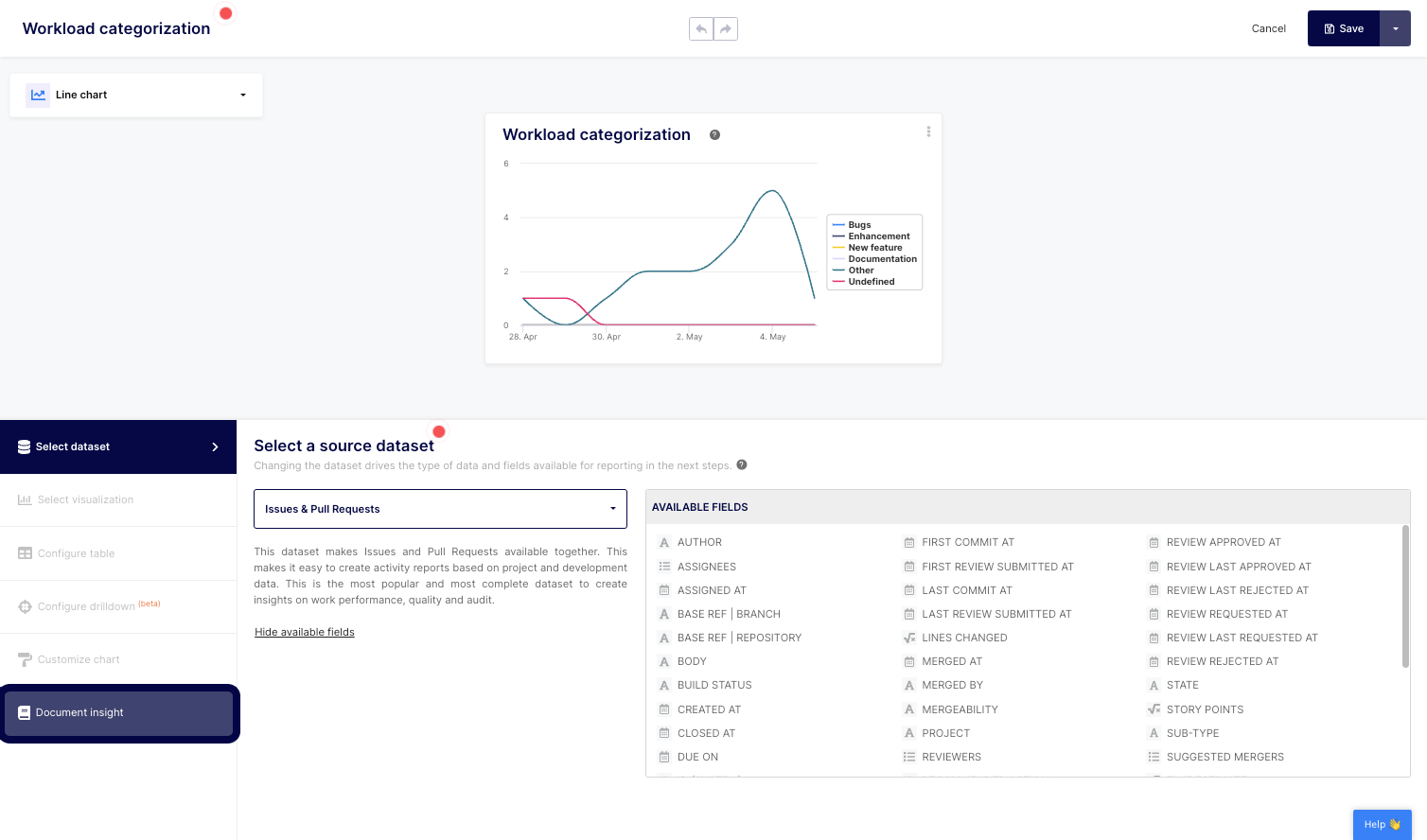
5. Click on the "Document insight" section of the left navigation panel.
Image

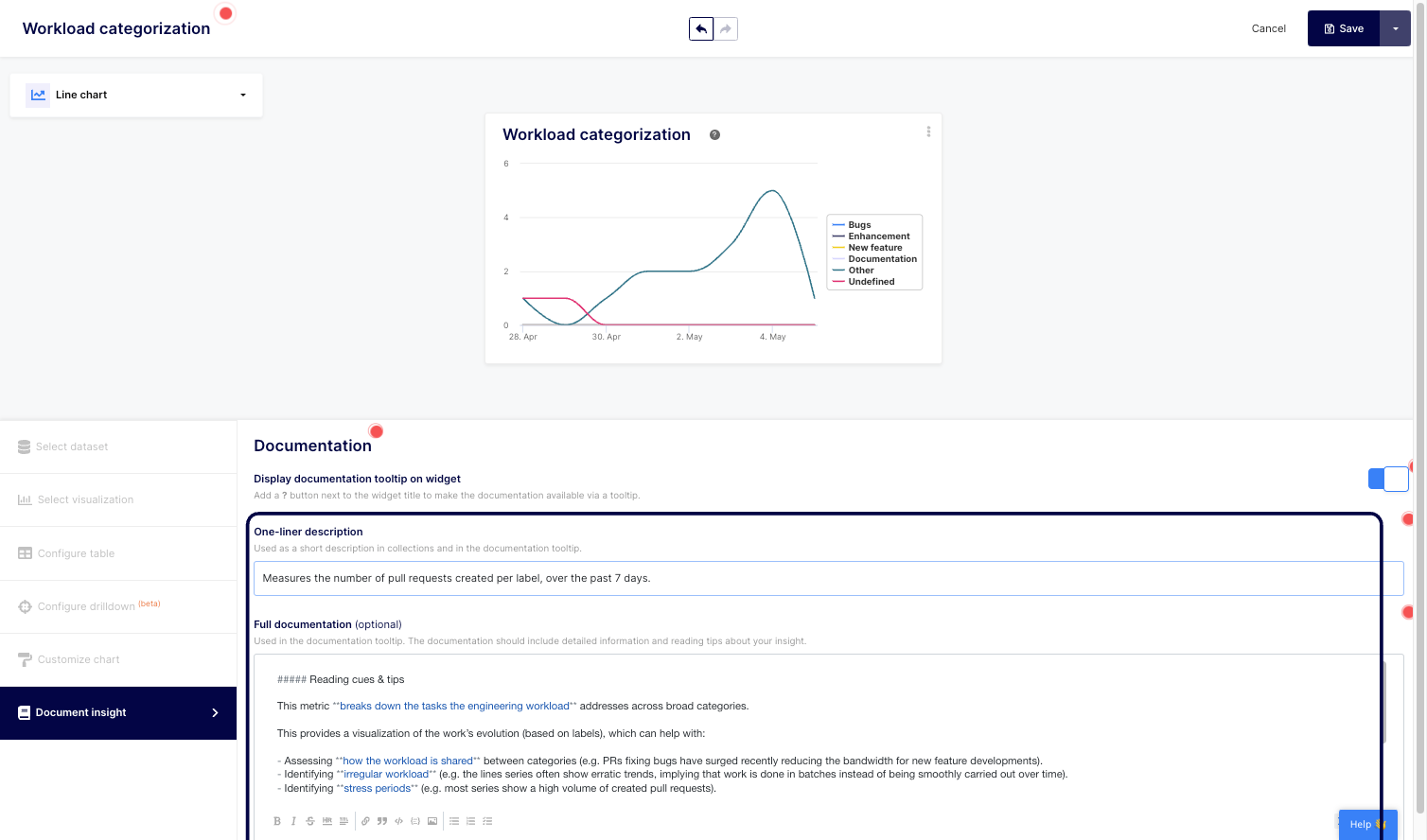
6. From there, you can edit your documentation one-liner description as well as the full documentation to meet your organization’s needs and processes.
Image

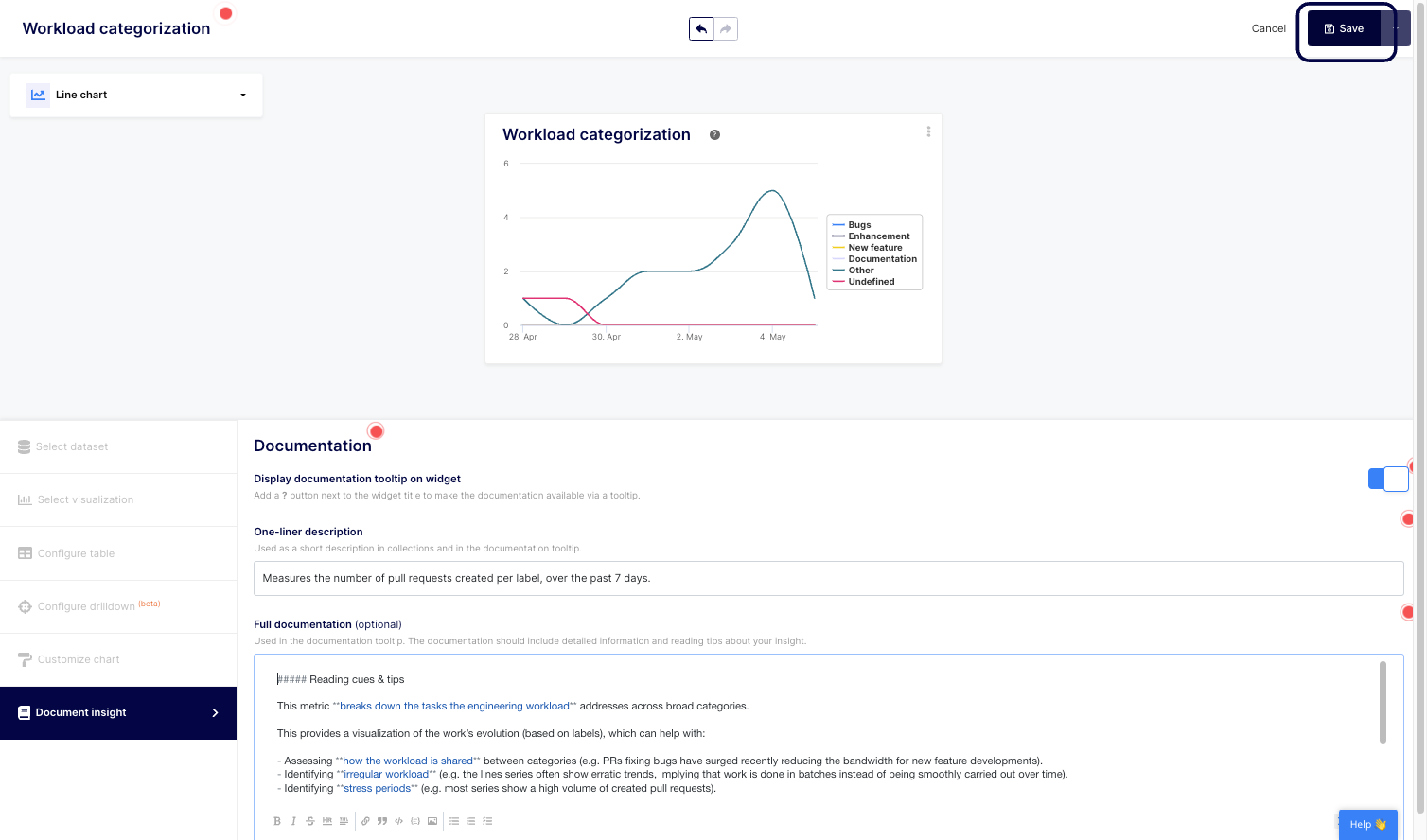
8. Don't forget to save your changes.
Image

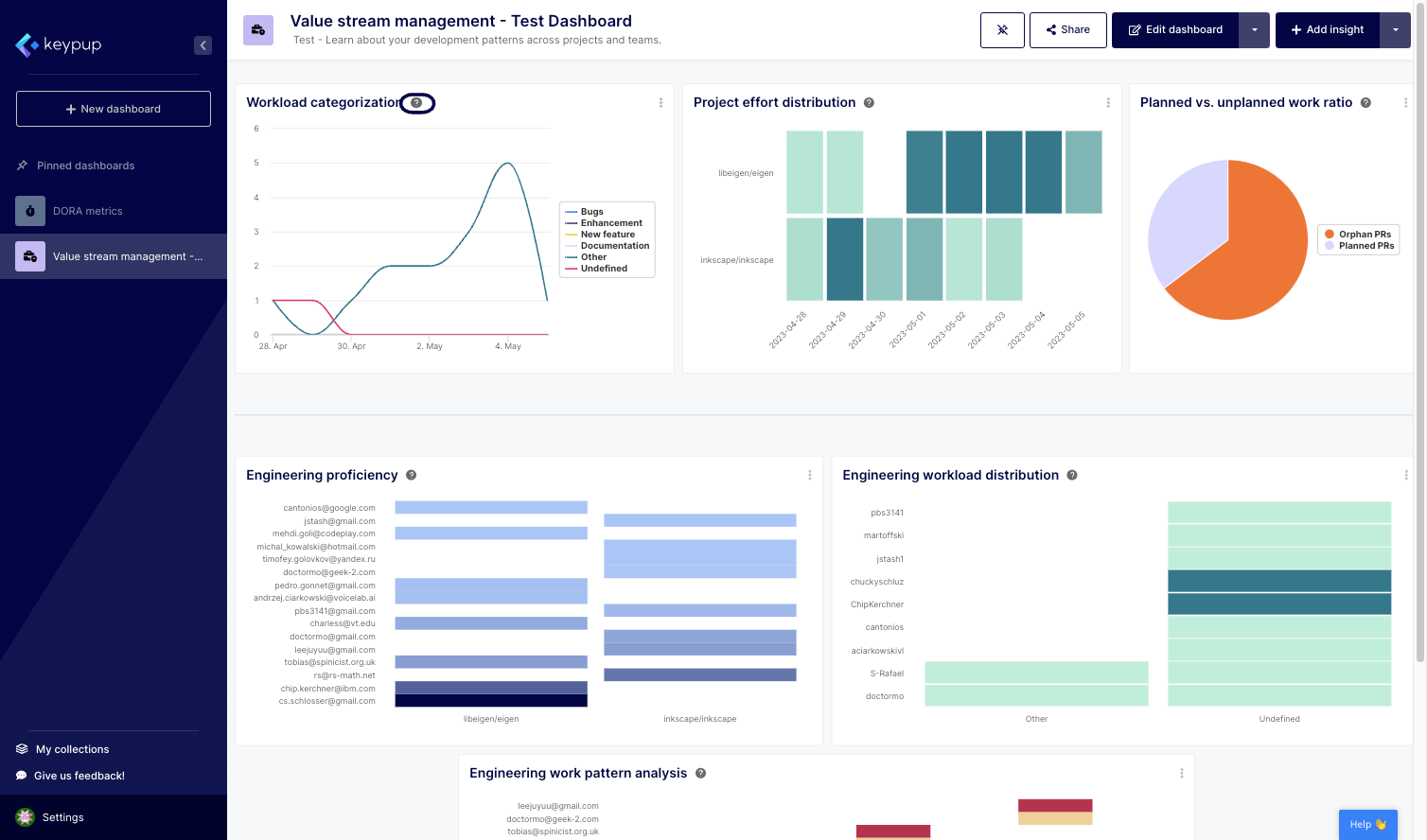
9. That's it. You can click on the question mark next to the insight title to read your updated documentation.
Image

Image

Understanding and modifying Keypup's metric documentation is a powerful tool for organizations seeking to optimize their software engineering practices. By providing clear insights into metrics and offering the flexibility to tailor documentation to specific needs, Keypup enables teams to work collaboratively, make data-driven decisions, and drive continuous improvement.

With comprehensive metric documentation, organizations can build a foundation of understanding and alignment to drive efficiency and success in their software engineering endeavors. Leverage Keypup today to unlock the full potential of your software engineering metrics.


Ready to Transform Your Analytics?

Join teams already using AI to make data-driven decisions faster than ever.

Most Recent Articles

Data Ownership, Governance, and Inter-Departmental Silos: Who Owns the Definition of a Story Point?

Data Ownership, Governance, and Inter-Departmental Silos: Who Owns the Definition of a Story Point?

Centralizing SDLC data across ten business units exposes a governance vacuum long before it delivers insight: seven competing "story point" scales, four business units with no named data owner, and a workflow taxonomy nobody was ever assigned to define. This isn't a GDPR problem — it's a political and technical negotiation over who owns what data, and who is accountable when a poorly maintained JIRA board quietly skews a portfolio-wide metric. Discover how Keypup MCP makes data ownership, definition consistency, and governance maturity measurable across every business unit.

Stephane Ibos
Change Management and Cross-Functional Alignment: Getting HR, Product, and Marketing to Trust Engineering Metrics

Change Management and Cross-Functional Alignment: Getting HR, Product, and Marketing to Trust Engineering Metrics

Rolling out SDLC analytics across an enterprise takes more than an engineering VP's buy-in. If HR misreads flow metrics in performance reviews, or Product Management keeps demanding features while ignoring system health, the initiative quietly becomes an "engineering-only project" that never earns organization-wide trust. Discover how Keypup MCP builds the guardrails, translations, and cross-functional accountability that make SDLC analytics stick beyond engineering.

Liam Davis
Strategic Vendor Selection and Platform Fatigue: How to Add an SEI Platform Without Adding Another Dashboard

Strategic Vendor Selection and Platform Fatigue: How to Add an SEI Platform Without Adding Another Dashboard

Enterprises already juggle dozens of tools for project management, CI/CD, monitoring, and HR. Before adding a Software Engineering Intelligence platform, IT architects and procurement teams need to weigh true integration cost, training burden, and vendor lock-in risk — not just the license fee. Discover how Keypup MCP delivers engineering insight through the tools your teams already use, with no new dashboard, no new login, and a fraction of the total cost of ownership.

Thomas Williams