
Product
Core Platform
Analytics Platform AI SDLC Diagnosis AI Agent MCP Server Keypup API Capabilities
DORA Metrics Issue Cycle Time Team Benchmarking Connect
View Integrations →  Claude Integration
Connect Keypup's MCP server to Claude and Claude Code with seamless OAuth authentication. Ask questions in plain language, get instant insights on DORA metrics, cycle time, throughput, and team performance—no dashboards, no SQL, no complexity.
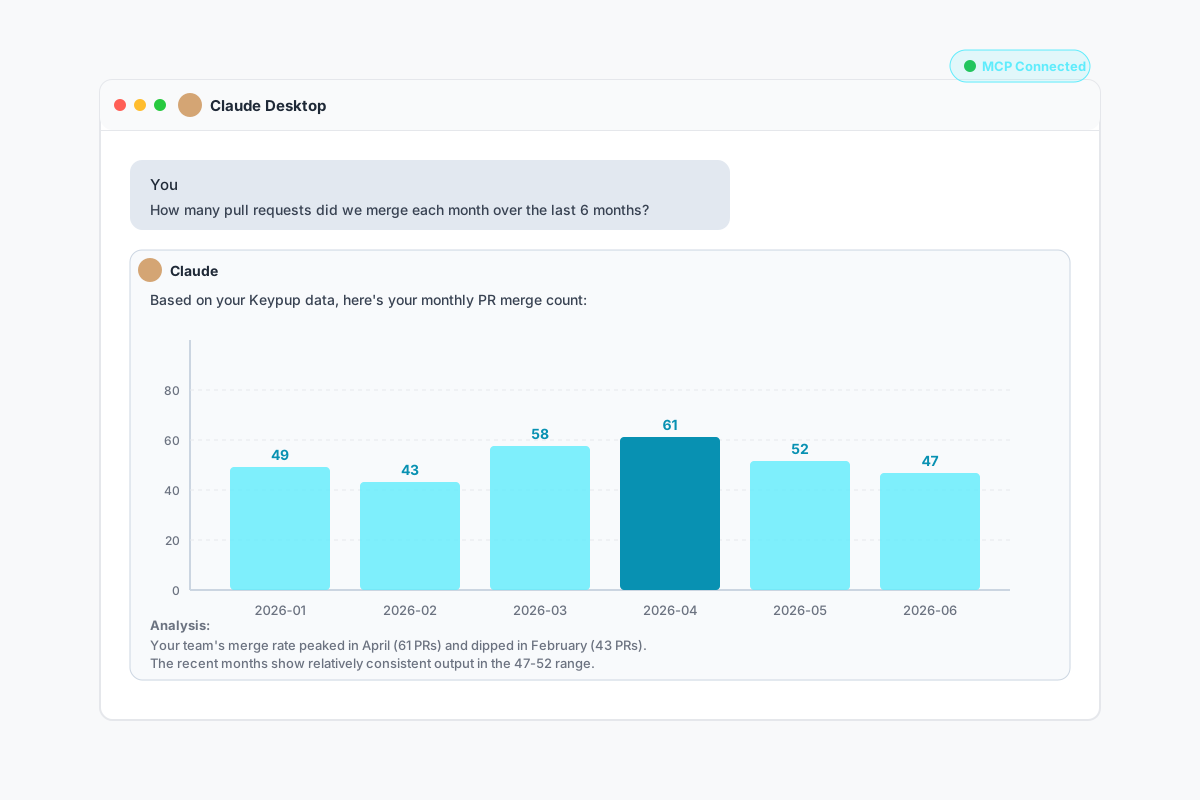
See how Keypup's MCP server seamlessly integrates with Claude to deliver engineering insights on demand
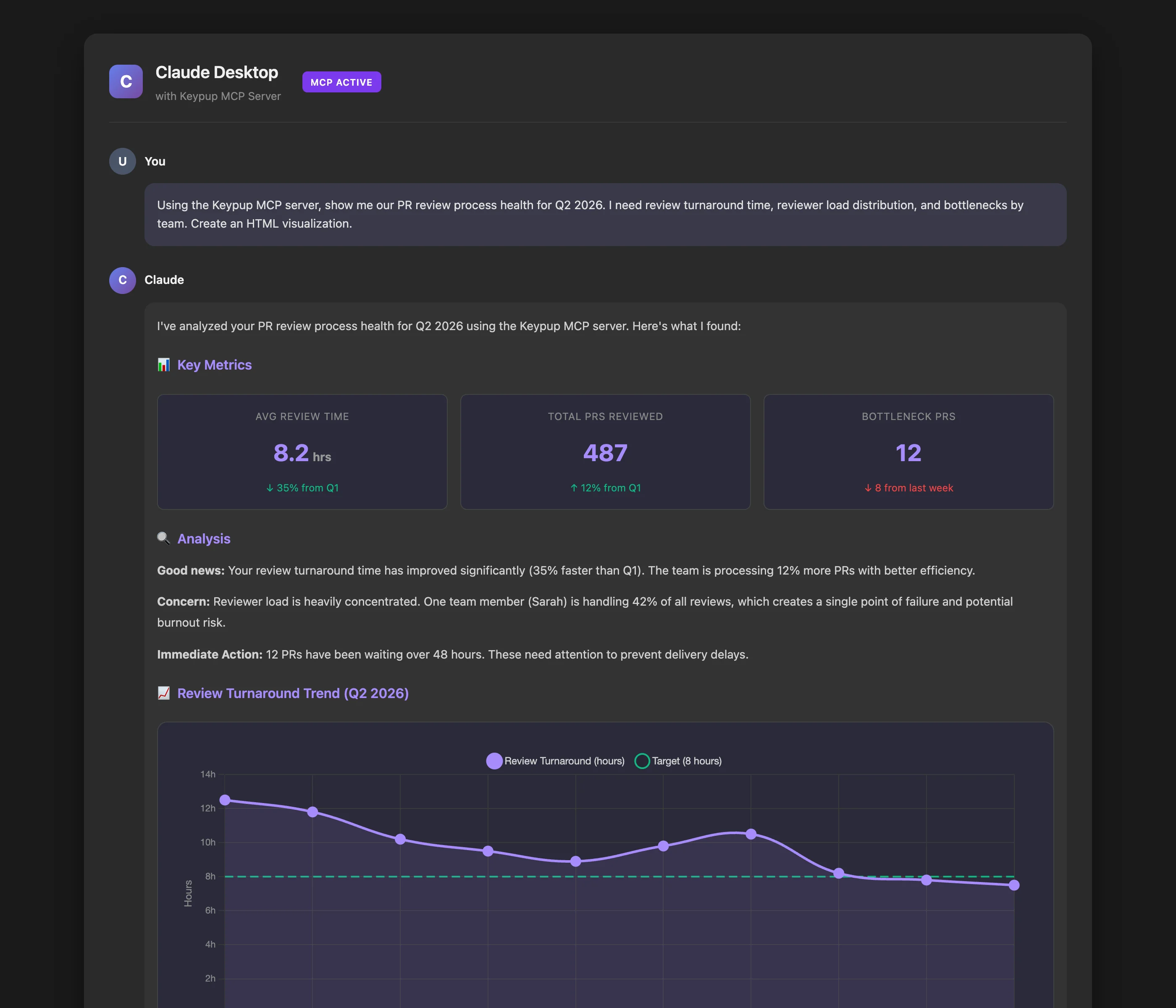
Three simple steps to conversational engineering analytics
In Claude or Claude Code, add a custom MCP connector with the Keypup server URL
Claude opens a browser for you to sign in to Keypup and authorize access—secure and seamless
Ask Claude questions about your engineering metrics and get instant, intelligent insights
Real-world questions that engineering leaders ask every day—now answered instantly by Claude
The most natural way to explore your engineering data
Ask questions in plain English—no need to learn query languages, SQL, or complex dashboards
Get insights in seconds, not minutes. No more waiting for reports or building custom queries
Claude remembers your conversation and can follow up, compare time periods, and dive deeper
Build custom metrics on the fly. Filter, group, and aggregate data however you need
OAuth with dynamic client registration ensures secure, encrypted communication and authenticated access
Get not just data, but recommendations, trends, and actionable advice powered by Claude's AI
Get started in minutes with OAuth authentication
Launch Claude Desktop or Claude Code where you want to use Keypup analytics
In Claude's settings, add a custom MCP connector with the following server URL:
https://hq.keypup.io/mcpClaude will open a browser window for you to sign in to Keypup and authorize access. This uses OAuth with dynamic client registration (CIMD) for secure authentication.
Once authenticated, the Keypup tools become available in Claude. Start asking questions about your engineering data!