
Product
Core Platform
Analytics Platform AI SDLC Diagnosis AI Agent MCP Server Keypup API Capabilities
DORA Metrics Issue Cycle Time Team Benchmarking Connect
View Integrations →  ChatGPT Integration
Connect Keypup's MCP server to ChatGPT and unlock the power of conversational engineering analytics. Ask questions in plain language, get instant insights on DORA metrics, cycle time, throughput, and team performance—no dashboards, no SQL, no complexity.
Watch how Keypup's MCP server seamlessly integrates with ChatGPT Desktop to deliver engineering insights on demand
Four simple steps to conversational engineering analytics
Add Keypup's MCP server to your ChatGPT (online or desktop) with a simple setup command
Authenticate with your Keypup account to give ChatGPT access to your engineering metrics
Start chatting with ChatGPT in natural language about your team's performance and metrics
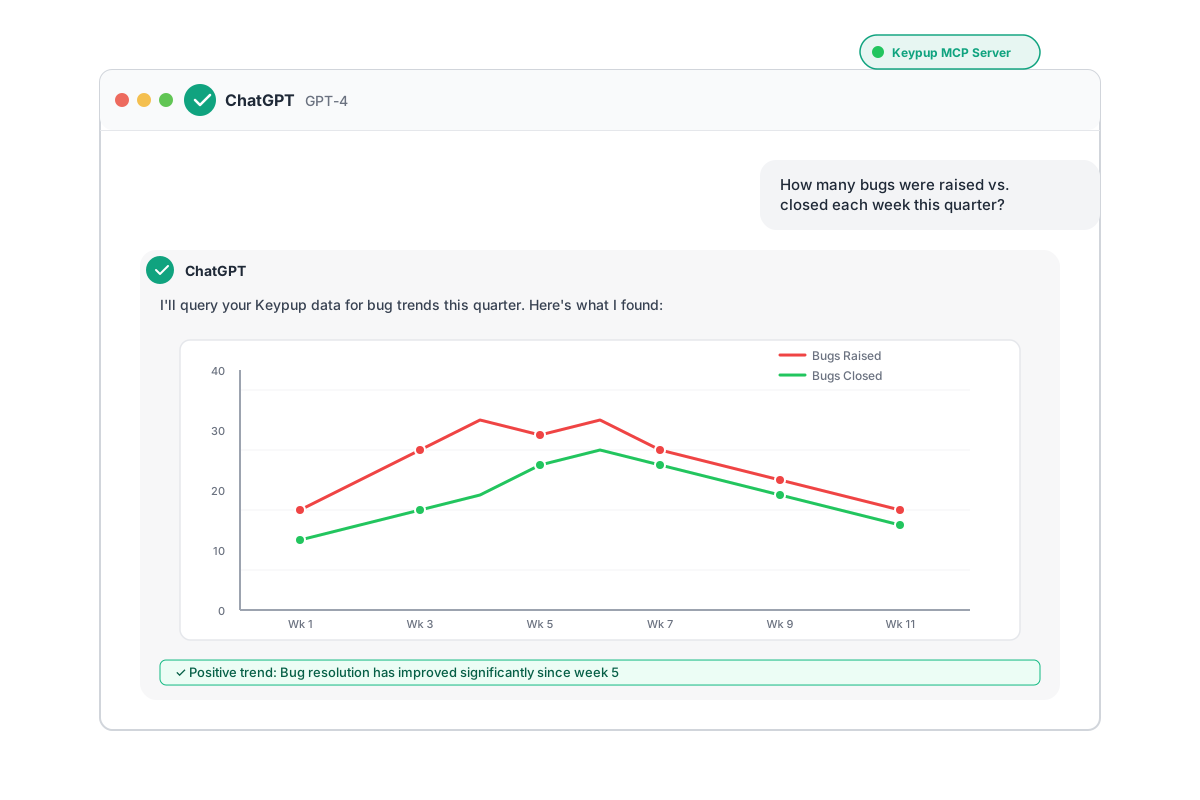
Receive formatted results with charts, tables, and actionable recommendations
Real-world questions that engineering leaders ask every day—now answered instantly
The most natural way to explore your engineering data
Ask questions in plain English—no need to learn query languages, SQL, or complex dashboards
Get insights in seconds, not minutes. No more waiting for reports or building custom queries
ChatGPT remembers your conversation and can follow up, compare time periods, and dive deeper
Build custom metrics on the fly. Filter, group, and aggregate data however you need
Your data stays secure. MCP protocol ensures encrypted communication and authenticated access
Get not just data, but recommendations, trends, and actionable advice powered by AI
Get started in minutes with our step-by-step guide
Access the Keypup app directly from this link.
Simply click "Connect" to enable the Keypup app.
You can now tell ChatGPT to specifically invoke Keypup to generate answers by hailing Keypup via @Keypup or by selecting Keypup from the context list.