Bridging the Git-to-Jira Gap: How Generative AI Finally Unifies Your Engineering Data
Stop manually matching GitHub PRs to Jira tickets in Excel. See how Keypup's AI Agent instantly translates business goals into technical execution metrics.

Creating a sprint in Jira is simple and easy.. Follow our steps on how to create a sprint board in Jira, for maximum efficiency


Sprint methodology addresses the complexity of large software development projects by providing a framework in which projects can be broken down into chunks.
A sprint is a short period of time, typically between one and six weeks, during which a scrum or agile team works to complete a specific product addition.
The goal of a sprint is to facilitate a streamlined and rapid delivery of high-quality work while allowing for the flexibility to adapt to changes.
The importance of sprint planning has been well documented and cannot be overstated because it not only facilitates shipping but also sets teams up for success by establishing clear goals and expectations.
To achieve a higher return on investment, product owners must ensure that all involved individuals are on the same page. As more control is given to the team, a carefully crafted sprint plan has an impact on the entire software development life cycle and business. Product backlogs are better managed, and customer satisfaction is significantly increased.
Atlassian's Jira is a project management tool used for tracking, case management, agile software development, and more. Let’s create a sprint in Jira using Keypup's tools for tracking a team's progress.
If you are new to Jira, sign up and create a new scrum project, as sprint only applies to scrum boards.
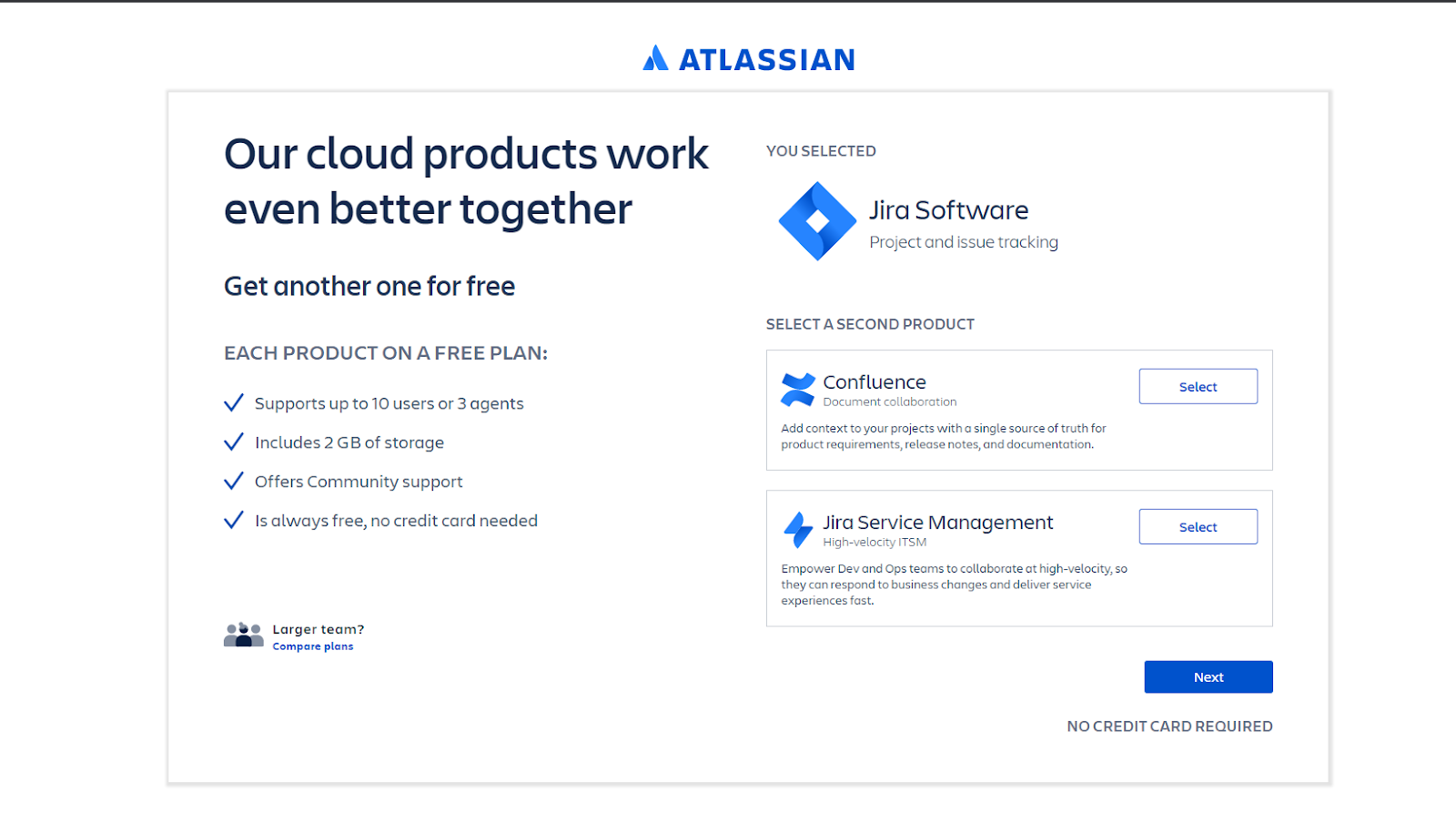
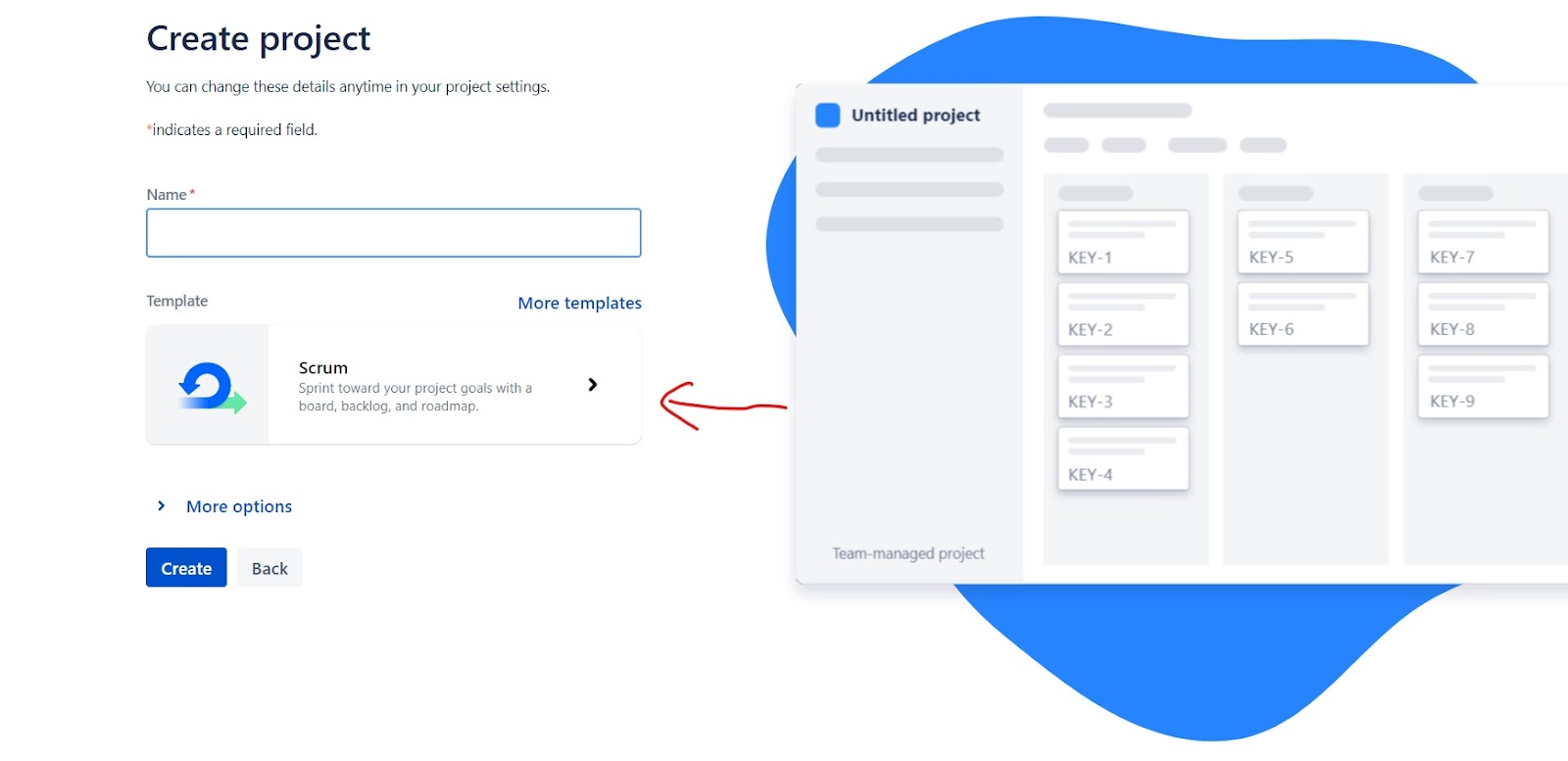
With Jira, creating and adding issues to a sprint takes a few seconds thanks to the highly interactive user experience.
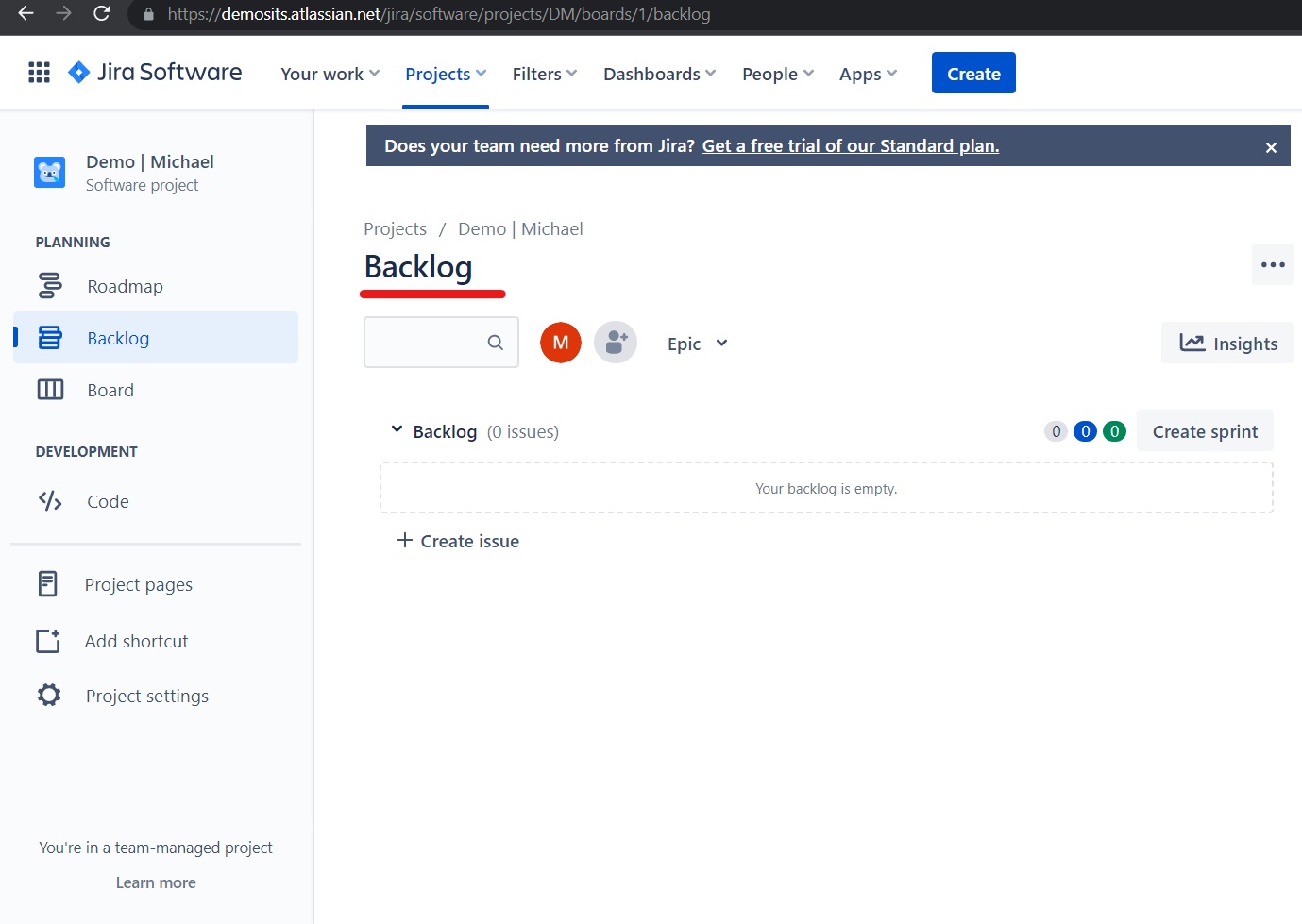
At the top of the backlog section, click Create sprint. You can add issues to a sprint after you've created it.
As shown above, a sprint named DM Sprint 1 is created, along with two issues. Sprints can be timed using Add dates, allowing teams to specify the sprint's start and end dates. The TO DO tag on the side of each issue allows you to change the status of a specific issue, such as IN PROGRESS or DONE.
You can create multiple sprints at a time and seamlessly move issues from one sprint to another with the** drag and drop **feature.
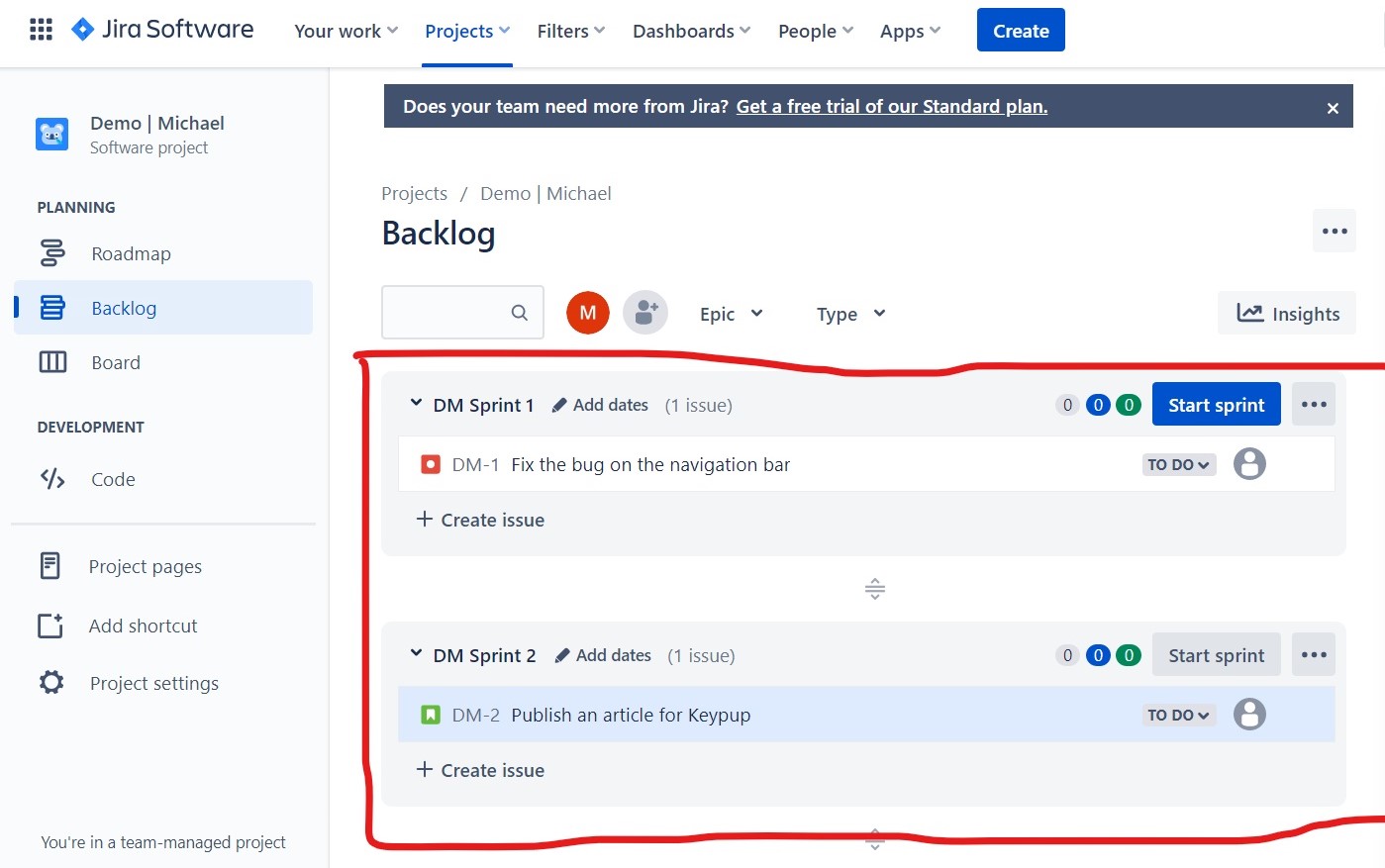
Issue DM-2 has been moved from Sprint 1 to Sprint 2. You can move issues from one sprint to another or create new ones for each sprint.
Drag an issue to the Backlog to remove it from a sprint, or right-click and select Send to Top of Backlog/Bottom of Backlog. You can also edit or bulk edit issues to move them from a sprint to another or to the product backlog.
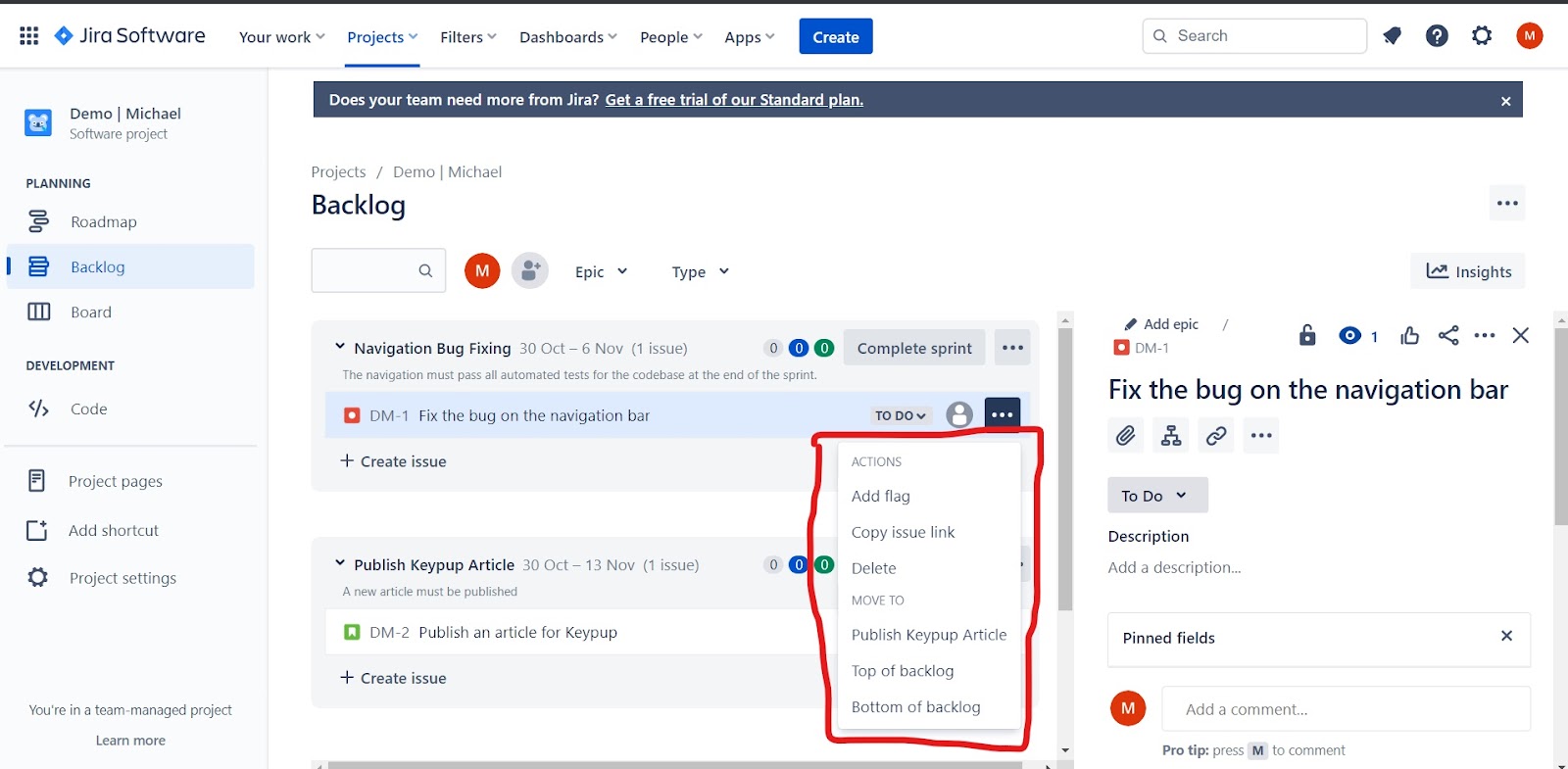
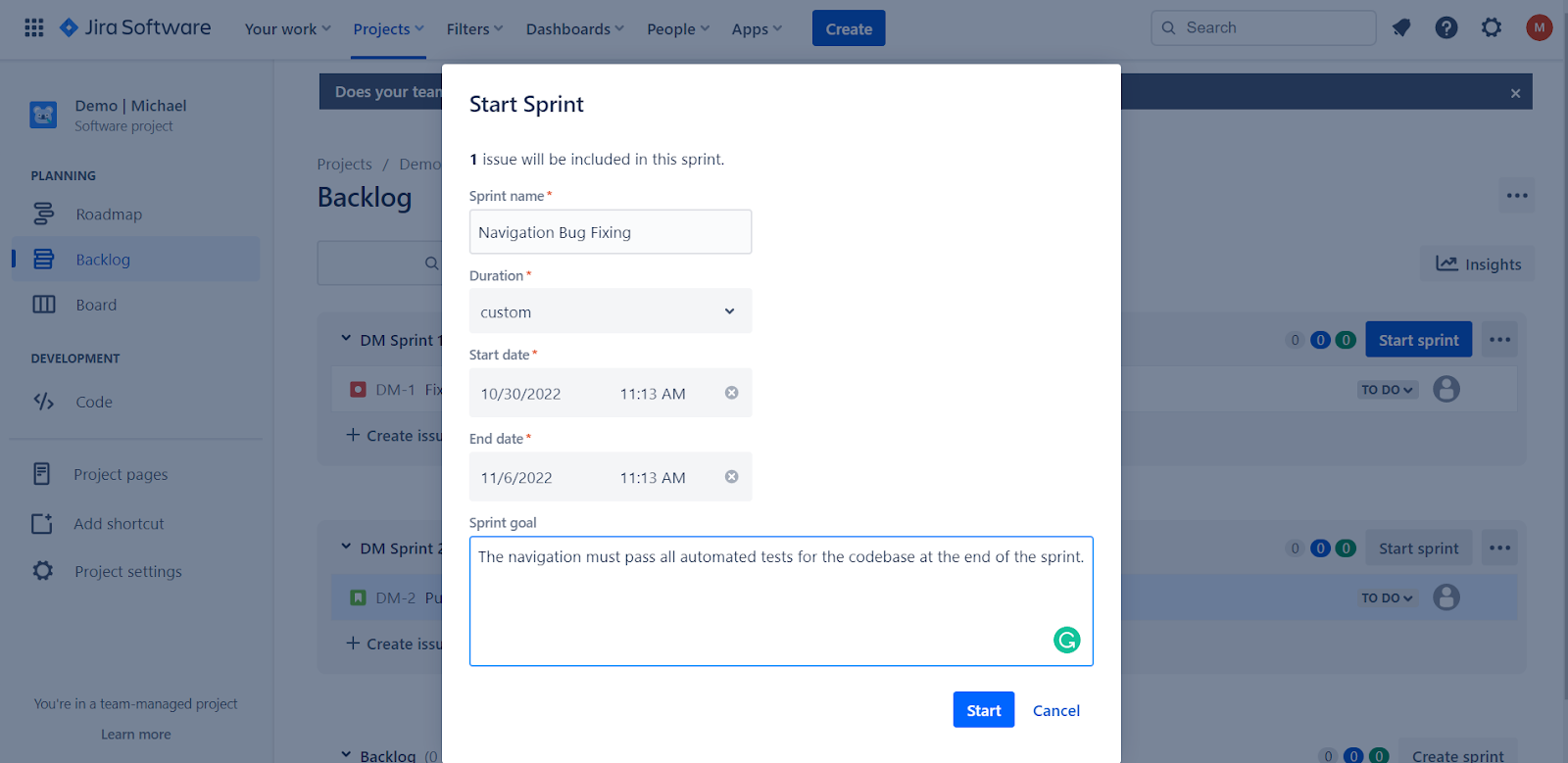
When you've decided which issues to include in your sprint, you're ready to begin the sprint.
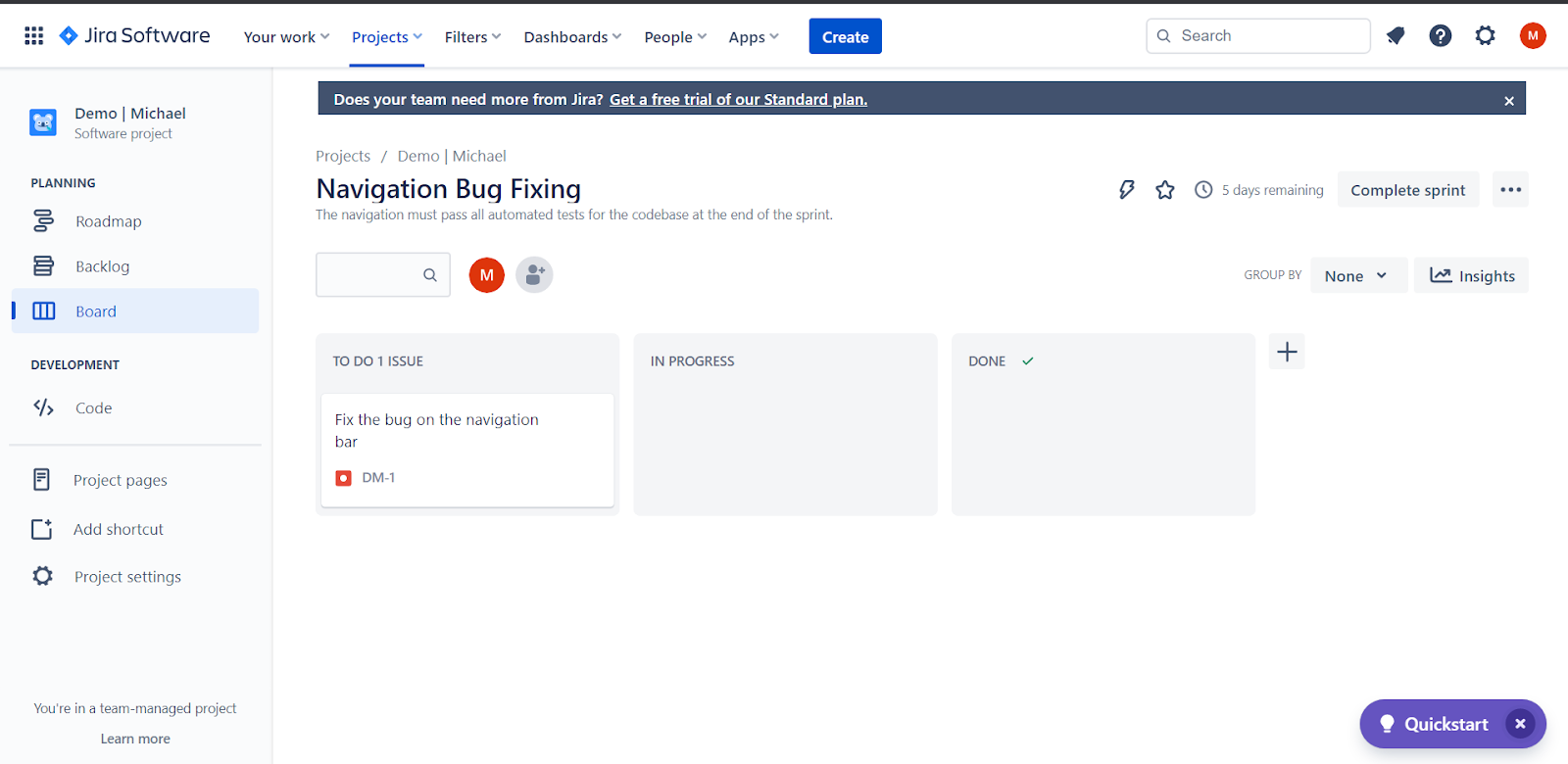
Starting a sprint indicates that the set of issues is ready to be executed within a period of time.
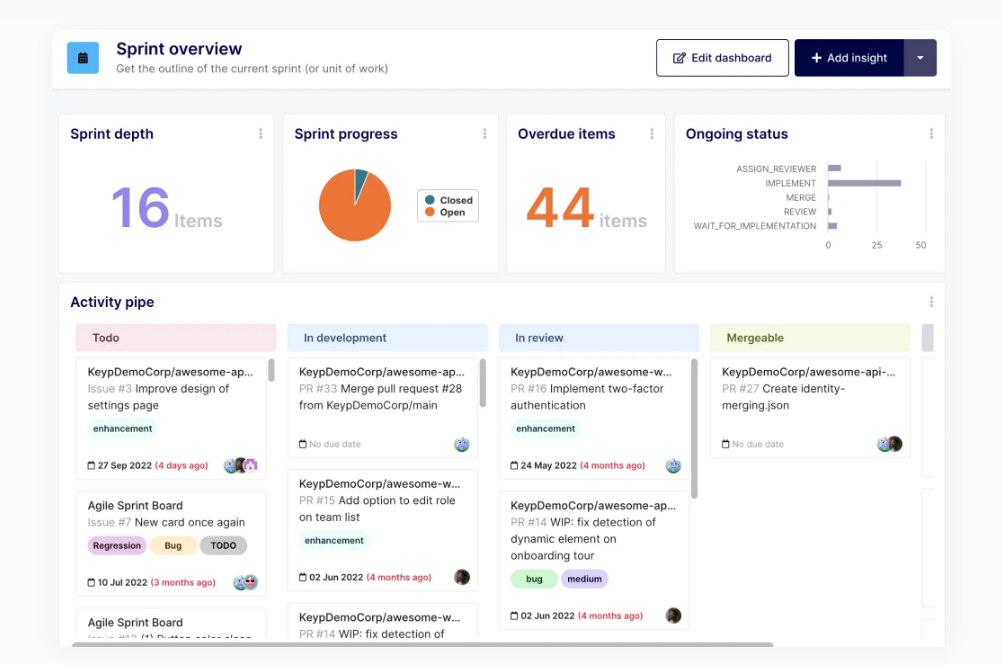
The sSprint overview progress report dashboard from Keypup aims to provide all of the information required to facilitate sprint planning and monitoring. Insights such as sprint progress, overdue items (pull requests and issues/tickets), sprint depth (total pull requests and issues/tickets due in a given period), and more are included.
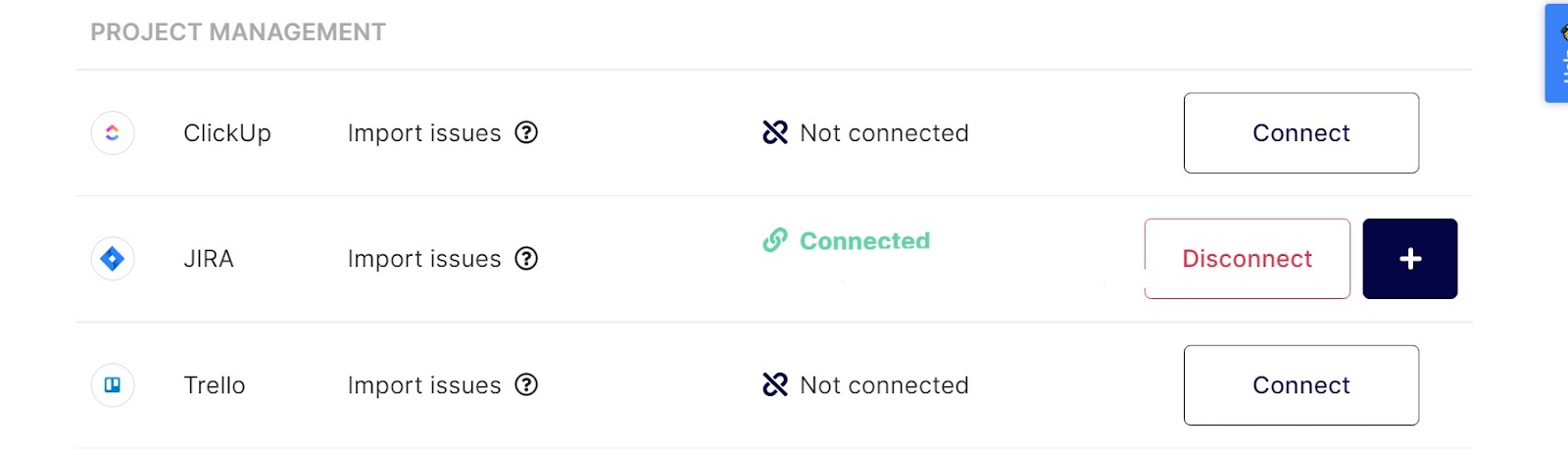
Once you sign-up for Keypup, you can connect your Jira project alongside its associated pull requests from your Git repositories to visualize your team’s progress through interactive and simple dashboards.
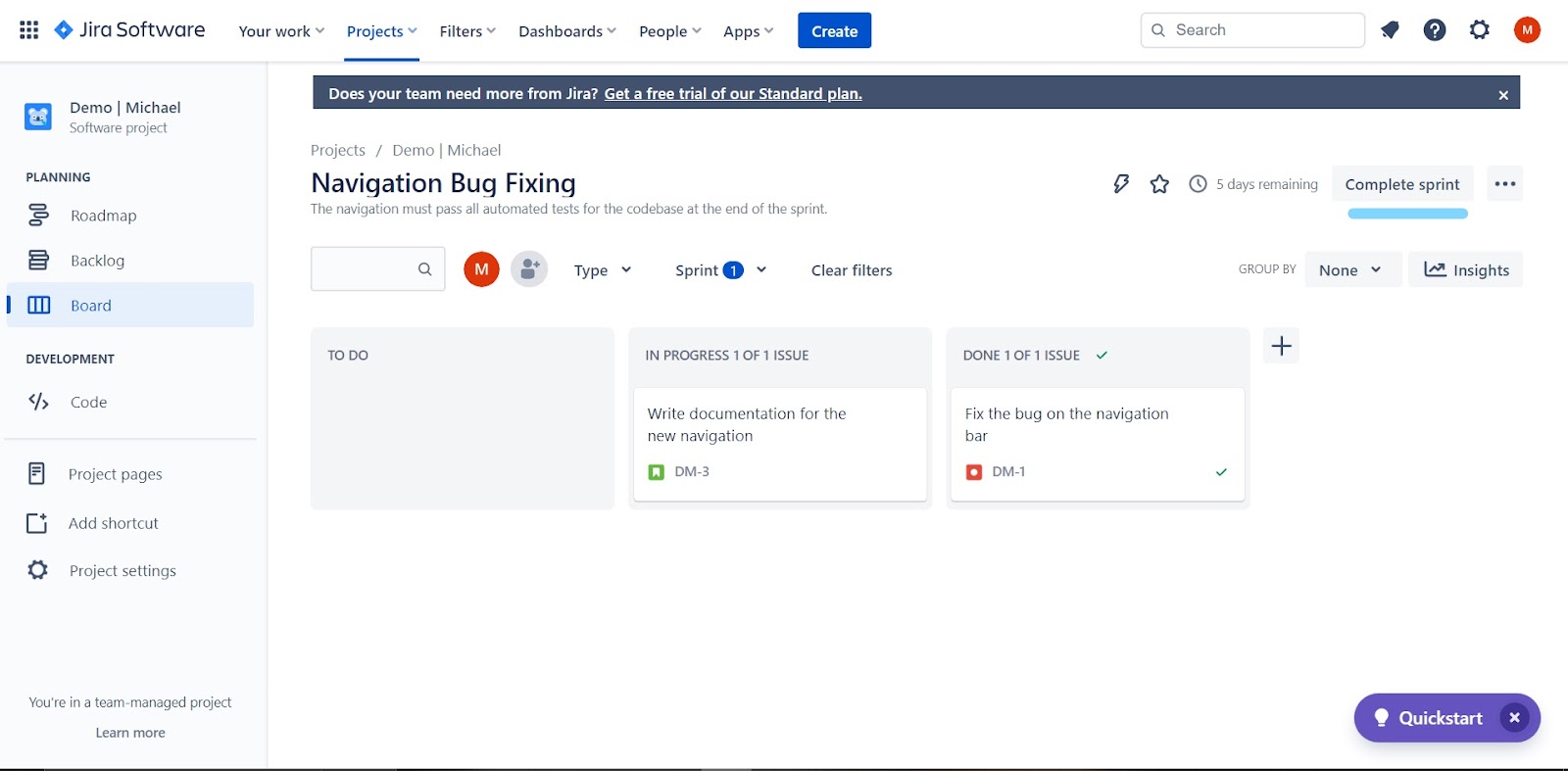
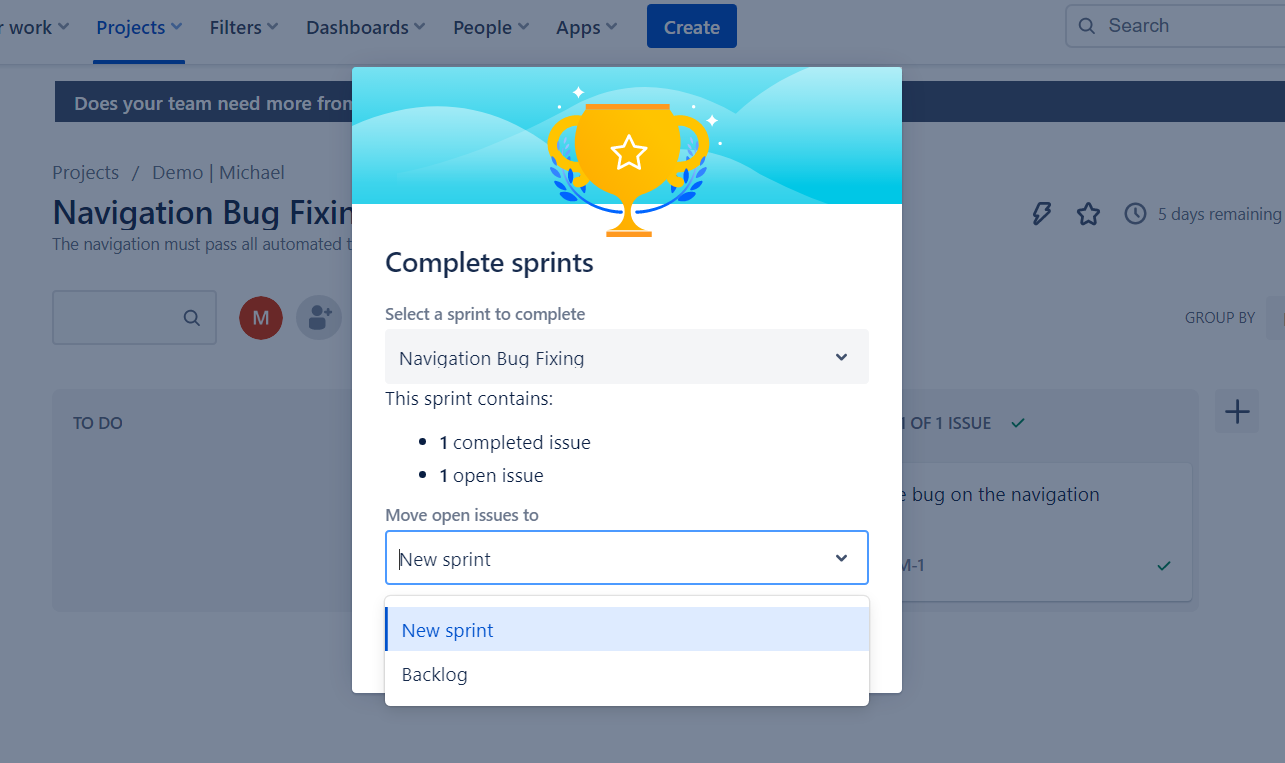
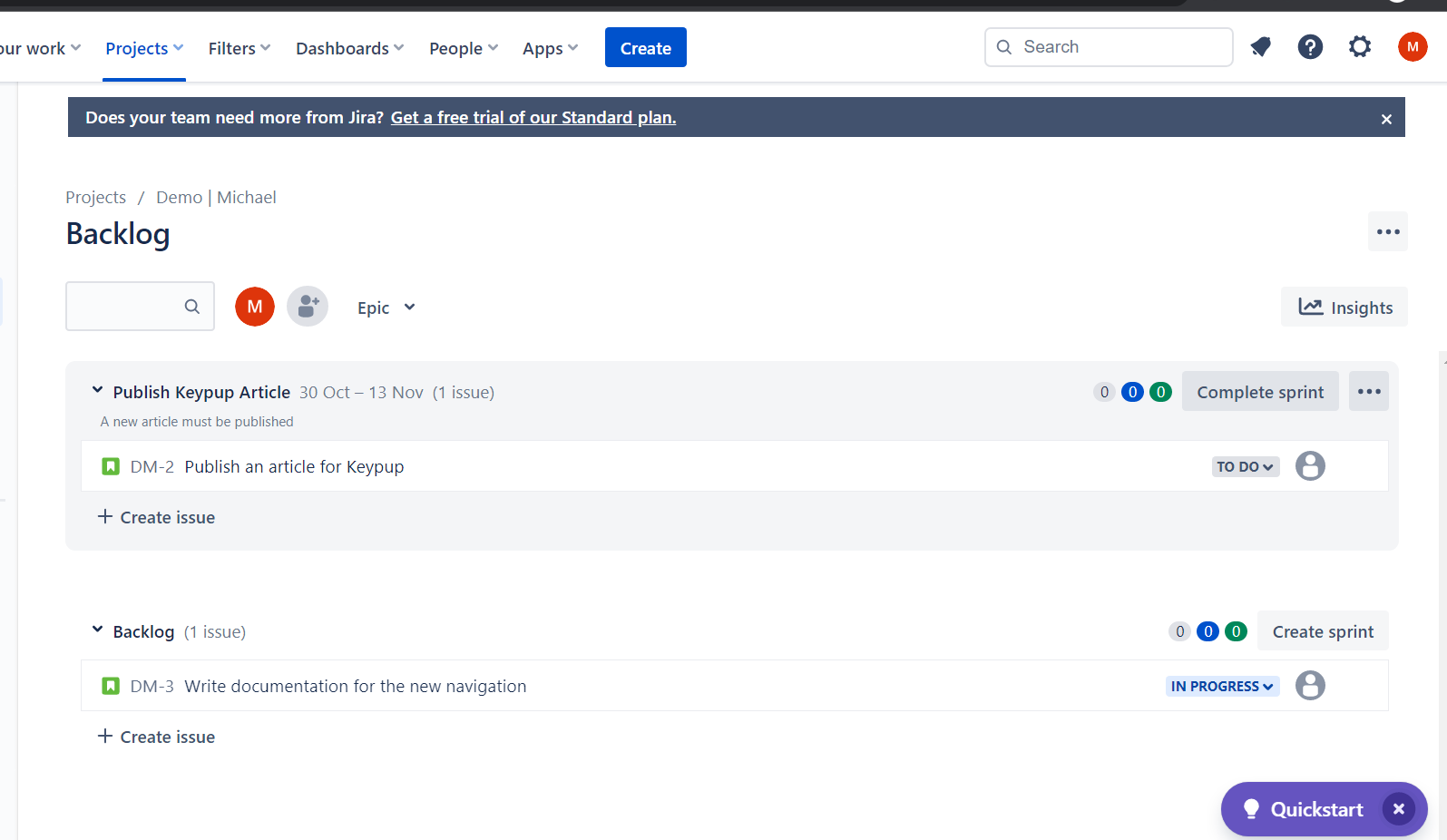
Sprints have a set duration, but they can be manually closed when the team's goals are met.
** **
Learn More
Keypup provides interactive dashboards for scrum and engineering teams using Jira with GitHub, GitLab, and/or Bitbucket to monitor their team's performance.
Keypup understands the importance of data to software engineering teams. Check out the Keypup blog for new resources to help you learn about engineering metrics such as DORA metrics, software delivery, and quality insights.
Join teams already using AI to make data-driven decisions faster than ever.

Stop manually matching GitHub PRs to Jira tickets in Excel. See how Keypup's AI Agent instantly translates business goals into technical execution metrics.

Developers hate engineering metrics because they feel like surveillance. Learn how to use Keypup's AI to shift the focus from individual micromanagement to systemic SDLC improvement.

Discover why internal DIY dashboards and basic LLM wrappers just create 'noise.' Learn how Keypup’s NLP platform goes beyond plotting metrics to actively diagnose your SDLC bottlenecks and prescribe actionable improvements.